
Cut taxi rooftop display power up to 50% with LED selection, dual-voltage supplies, auto-dimming, motion sensors, cloud scheduling, and routine maintenance.
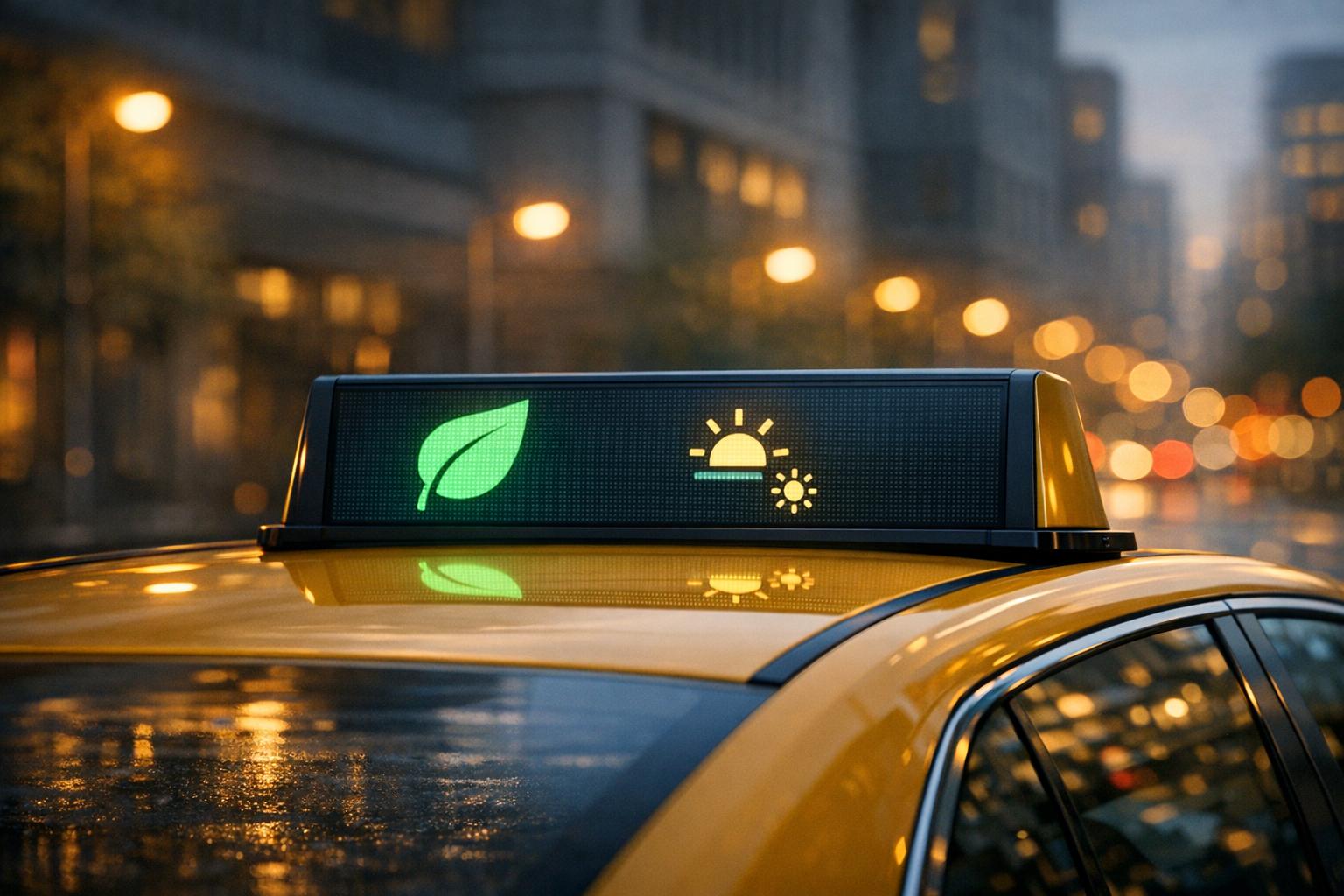
Energy-efficient taxi displays can save fleet operators thousands of dollars annually while reducing wear on vehicles. By optimizing hardware, power management, and maintenance routines, you can cut power consumption by up to 50% and extend screen lifespans. Here’s how:
Investing in smarter displays and management systems ensures ads remain visible and effective while keeping costs under control. Read on for actionable tips on hardware, power systems, and fleet management.

LED Taxi Display Pixel Pitch Comparison: Power Consumption vs Cost
The hardware you pick directly impacts both the power consumption and performance of your taxi displays over time. It's all about finding the right balance between upfront costs and operational savings, while ensuring that the screens remain visible - even under direct sunlight.
When it comes to LED modules, pixel pitch plays a major role. For instance, smaller pitches like P2.5 offer a dense 160,000 dots per square meter, while P5 modules provide around 40,000 dots per square meter. The trade-off? More densely packed LEDs draw more power. A P2.5 module typically consumes around 180W, whereas a P5 module averages about 270W. For taxi tops, pitches between P2.5 and P5 often hit the sweet spot, balancing visibility with energy efficiency.
The driving method of the module matters just as much. Modules using PWM (Pulse Width Modulation) dimming with constant current drivers can reduce power usage as brightness decreases, making auto-dimming more effective. For optimal performance, consider SMD encapsulation, though newer COB options are emerging with their own thermal benefits.
To ensure your displays are readable even in bright daylight, choose modules with at least 4,500 nits of brightness. Auto-dimming features further optimize energy use. As BIBILED aptly puts it:
"The LED chip is like the heart of the LED taxi screen. Without it, the screen cannot emit light".
Opt for LED chips with high luminous efficacy (operating between 2.8V and 3.8V) to maintain brightness while conserving power.
Here’s a quick comparison of pixel pitches, including their price ranges, power consumption, and pixel densities:
| Pixel Pitch | Price Range | Average Power | Pixel Density |
|---|---|---|---|
| P2.5 | $1,500–$2,675 | 180W | 160,000 dots/m² |
| P3 | $1,000–$2,300 | 240W | 111,111 dots/m² |
| P4 | $1,000–$1,500 | 260W | 62,500 dots/m² |
| P5 | $900–$1,550 | 270W | 40,000 dots/m² |
To get the best results, pair these modules with a high-efficiency power supply.
Energy waste often comes from poor conversion efficiency and mismatched voltages. Most traditional systems use a unified 5V supply, which can lead to inefficiencies. Red LEDs operate best at 1.8V to 2.8V, while blue and green LEDs require 2.8V to 3.8V. This mismatch wastes energy.
A dual-voltage power supply solves this by delivering 2.8V to red LEDs and 3.8V to blue and green LEDs. This common cathode design can cut power consumption by up to 25% compared to the standard common anode systems. Look for power supplies with Power Factor Correction (PFC) and a Power Factor (PF) rating of at least 0.95. As LEDScreenParts explains:
"A high PF means more of the drawn power is being effectively utilized".
Top-tier PFC-enabled power supplies often achieve PF ratings between 0.96 and 0.98, helping to lower the apparent power draw even further.
Quality power supplies generally offer conversion efficiencies ranging from 85% to 92%. To ensure reliability, size your power supply to be 1.2 to 1.3 times the peak power demand. This allows the system to handle voltage fluctuations and sudden brightness spikes without overloading. For taxi displays running on 12V or 24V systems, efficient DC-DC conversion is a must - inefficient units not only waste energy but also generate excess heat, which can wear out components faster and drain the vehicle's battery.
Once you've chosen energy-efficient hardware, the next step is automating power usage. By enabling taxi displays to adjust in real time, you can reduce energy consumption during low-traffic periods while maintaining full visibility when needed. These dynamic adjustments build on hardware efficiencies by tailoring power use to environmental conditions.
Ambient light sensors play a key role in managing brightness efficiently. These sensors constantly monitor outdoor light levels and adjust the screen's brightness accordingly. For instance, during bright midday hours, the display ramps up to over 4,000 nits to stay visible under direct sunlight. At night, it automatically dims to reduce light pollution and prevent eye strain, all while ensuring messages remain clear.
The energy savings are impressive. Jeff Hastings, CEO of BrightSign, explains:
"Displays with automatic brightness controls adjust their brightness to different daylight hours and levels, improving viewer comfort and saving energy. Reducing the brightness of the display can reduce energy consumption by as much as 20%".
Advanced systems take this further by combining sensor data with scheduled brightness profiles. For example, you can program the display to operate at reduced brightness during low-traffic hours, even if ambient light would typically require higher output. This blend of scheduling and sensors can slash total power consumption by up to 50%.
To maintain both efficiency and display quality, pair auto-dimming with high-efficiency LED chips. Multi-level grayscale correction technology ensures consistent color and brightness, preventing distortions as the screen adjusts. Additionally, motion sensors complement auto-dimming by conserving energy when no audience is present.
Motion and presence sensors add another layer of energy savings. These sensors detect nearby viewers and adjust the display accordingly. When no pedestrians or passengers are detected, the screen can enter a low-power sleep mode or dim significantly, instantly reactivating when movement is sensed. In taxi setups, power monitors also track battery voltage, shutting down the display if it drops below 12 volts to avoid draining the vehicle's battery.
For maximum efficiency, integrate presence sensors with a cloud-based content management system (CMS). Platforms like Enroute View Media allow you to combine sensor data with time-based schedules and GPS triggers for motion-activated power savings. Media players equipped with HDMI CEC commands can even power down the display panel directly when sensors detect inactivity, creating a seamless, automated energy-saving system.
Building on smart hardware controls, cloud-based tools take energy management to the next level by automating operations across your entire fleet. Hardware alone can’t do it all - cloud-based platforms bring everything together, letting you decide when, where, and how your displays use power. These platforms use intelligent automation to handle scheduling, brightness adjustments, and content delivery based on real-time conditions. The result? Lower power consumption without compromising the effectiveness of your ads.
Cloud platforms like Enroute View Media use features like geo-fencing and time-based triggers to ensure displays operate only when they can make an impact. For example, by setting virtual boundaries around high-traffic areas, screens can automatically switch to high-brightness video content when entering these zones. Outside of these areas, they may dim or display static images to conserve energy.
Time-based scheduling works in a similar way. You can program displays to reduce power usage during late-night hours when foot traffic is minimal or sync them with your fleet’s active hours. Some platforms even offer GPS accuracy within 1 meter, allowing content changes to happen instantly as vehicles move through the city. With this level of precision, power consumption can average between 70–100W, thanks to GPS-triggered adjustments.
Another way cloud systems save energy is by optimizing content updates. Instead of relying on cellular data, they can schedule bulk content transfers via Wi-Fi at depot locations. This approach reduces both data costs and the processing power needed for downloads.
These precise scheduling capabilities set the stage for real-time performance tracking.
Real-time dashboards provide a clear picture of display performance, tracking up-times, energy efficiency metrics, and battery voltage. Platforms like Enroute View Media’s allow you to monitor these metrics across your entire fleet, helping you identify inefficiencies like screens running unnecessarily or using more power than expected.
When combined with Glue-on-Board (GOB) technology - which has been shown to reduce power consumption by 40% - these insights let you fine-tune settings for optimal efficiency. For instance, the data can reveal routes where high brightness is triggered during low-traffic periods or displays that remain active after a vehicle’s engine is turned off.
Cloud platforms provide updates in under one second, giving you the ability to act quickly and prevent small issues from becoming bigger problems. By integrating analytics with sensors and brightness controls, these systems create a well-rounded energy management solution.
"enRoute partnership has helped us scale faster, more efficiently, and cost‑effectively".
Sebastian, CTO of Aceme, highlights how impactful these systems can be.
Additionally, intelligent power modules can automatically shut down displays when a vehicle’s battery voltage drops below 12V. This feature protects both the display systems and the vehicle batteries, preventing costly deep discharges and ensuring long-term reliability.
Setting up energy-efficient displays is just the first step. The real challenge - and the real savings - come from keeping them running efficiently over time. Without consistent upkeep, even the best hardware can start consuming more power. Dust buildup, rising temperatures, and components falling out of calibration are common culprits. In fact, poor maintenance is behind 90% of digital signage failures, with many energy-draining issues creeping in long before they’re noticeable.
A simple daily routine can make a big difference. For instance, use an affordable infrared thermometer to check display surface temperatures around noon. Aim for 77–95°F (25–35°C). If a screen exceeds 95°F, it not only loses brightness faster but also uses more power to compensate, which can shorten LED lifespan by 18–22%.
Dust is another efficiency killer. Even a thin layer of grime - just 0.3mm thick - can block 4–5% of light output. To combat this, clean screens three times a week using a soft-bristle brush (0.15mm) and a microfiber cloth (300+ GSM). Use an "S" pattern for wiping, as it removes three times more dust than circular motions. A real-world example? The Dallas Billboard case study showed that after six weeks without cleaning, dust reduced brightness from 5,200 nits to 4,700 nits. This drop in brightness led to a 15% decrease in viewer engagement, costing the operator $2,200 in lost ad revenue.
Other routine tasks include checking cable connections every two weeks. Vibrations from vehicles can loosen these connections, leading to voltage drops and flickering, which waste power. Monthly software updates are equally important - they patch vulnerabilities and keep energy-management features running smoothly. Restarting media players weekly can also help by clearing cached data that might otherwise increase processing power consumption. To stay ahead of issues, cloud-based analytics can detect performance deviations in real time, complementing these routine checks.
"Your digital signage is only as strong as its weakest link - and neglecting maintenance is the fastest way to lose money on underperforming screens."
Alex Taylor, Director of Marketing at CrownTV, underscores how vital these practices are. Consistent maintenance can deliver a return on investment of 1,300% to 2,000% by avoiding hardware failures and lost revenue. Even something as simple as managing temperatures effectively can extend LED lifespan by 20% and save $1,200 per screen annually on maintenance costs.
These maintenance habits create a strong foundation for efficiency, but they’re only part of the equation. Well-trained operators are key to ensuring these efforts pay off.
While proper maintenance is critical, its impact is amplified when operators are trained to spot early signs of inefficiency. For example, flickering screens, color shifts (like a blue or pink tint), or excessive heat are all warning signs that should never be ignored.
Operators should also know how to use cloud-based platforms to schedule "digital hours" during peak traffic times instead of running displays 24/7. Understanding battery protection is another essential skill. Intelligent power modules, for instance, will automatically shut down displays if the vehicle battery voltage dips below 12V. Operators should be familiar with this feature and how to maintain battery health. They also need to ensure vents and fans remain unobstructed, especially after vehicle modifications, and know how to manually adjust brightness if sensors malfunction in low-light conditions.
Routine tasks, like performing weekly brightness checks with a light meter, help maintain outdoor visibility at 5,000 nits or higher. These small but consistent actions can prevent costly failures and ensure displays operate efficiently.
Energy-efficient taxi displays offer a powerful way to create a sustainable and profitable advertising platform. Fleet operators who follow the strategies outlined here can expect to see their investment in digital displays pay off quickly - typically within 3 to 6 months - and enjoy annual returns ranging from 300–500%.
The advantages go beyond financial gains. By pairing LED technology with intelligent power management systems, such as modules that automatically turn off displays when battery voltage dips below 12V, operators can protect their vehicles from unnecessary wear and costly downtime.
For advertisers, these efficiencies mean better results. High-brightness LED displays - capable of exceeding 5,000 nits - ensure ads remain visible even in direct sunlight. Meanwhile, geotargeting-time with advertising (GTWA) enables highly targeted messaging, delivering content to audiences at the right time and place. In fact, a 2023 survey found that over 40% of city commuters reported noticing digital taxi ads daily, proving the consistent impact of this medium.
These operational improvements are further enhanced by advanced cloud management systems. Platforms like Enroute View Media's DigiStream GTWA combine energy management with cutting-edge functionality. Using 41-satellite GPS for submeter accuracy, the platform allows advertisers to target ads near specific businesses or even competitors. Features like real-time analytics and remote monitoring ensure displays run efficiently without manual oversight, while dynamic content scheduling reduces energy waste during off-peak hours.
With the taxi advertising market projected to surpass $1 billion by 2034, adopting energy-efficient technologies now positions fleet operators to capitalize on this growth. By integrating smart hardware, automated energy systems, and consistent maintenance, operators can reduce costs, extend the lifespan of their equipment, and deliver better results for advertisers - all while staying ahead in a rapidly evolving market.
For taxi rooftop LED displays, the recommended pixel pitch is usually P2.5 or P3.33. These choices provide crisp and clear visuals, making them ideal for outdoor advertising and capturing attention effectively.
To avoid unnecessary battery drain, make sure the taxi display is correctly installed and connected to the vehicle's ACC (ignition) power line. This setup ensures the display only turns on when the engine is running. Avoid wiring it to the constant power supply (BAT line), as this can keep the display active even when the vehicle is off. Additionally, opt for energy-efficient displays and ensure components such as control cards and cooling fans are designed to use minimal power.
To conserve energy over time, adjust the brightness settings on taxi displays to a lower level. Additionally, make it a habit to clean the displays regularly to avoid dust accumulation. These simple actions can help cut down on power usage and prolong the life of the displays.
Need pricing details?
EnrouteViewMedia is a Canadian technology company based in Edmonton, Alberta, Canada. The company was founded by a group of media entrepreneurs and engineering executives. Our mission is developing leading-edge digital media display technologies for taxicab rooftops and taxicab interiors advertising market. Through our easy to use ad delivery and management system, we assist our clients in reaching their customers with targeted exposure. EnRouteViewMedia continuously strives to be the global leader in digital geo-time targeted advertising media systems for modern taxi fleets.