
Create QR codes instantly for links, text, email, phone, SMS, and Wi-Fi. Simple, fast, and easy to use right in your browser.
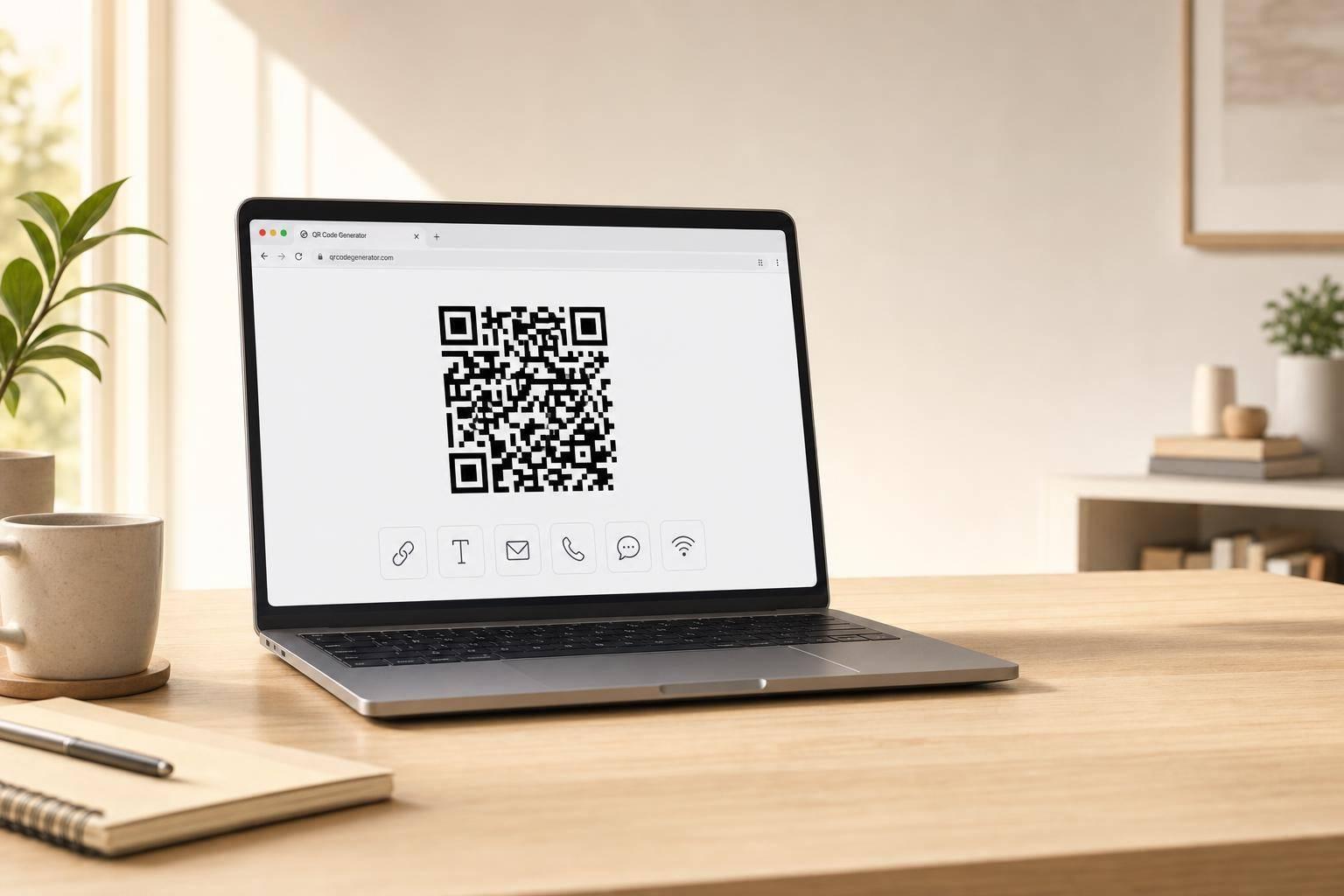
A good QR Code Generator should feel fast, clear, and useful from the first click. This tool is designed for exactly that. Whether you need to turn a website link into a scannable code, share a short note, launch an email draft, start a phone call, send an SMS, or help guests join a Wi-Fi network, the process stays simple and focused.
Instead of overwhelming users with settings they may never need, the form adapts to the selected content type and shows only the relevant fields. That makes it easier to create a code accurately and avoid mistakes. Basic validation helps catch missing or incorrectly formatted details before anything is generated, which is especially useful for web links, contact information, and wireless network credentials.
Once the content is valid, the QR Code Generator creates the code directly on the page and displays the encoded value underneath for quick review. It’s a practical way to make shareable codes for business cards, flyers, signs, menus, event materials, and home or office Wi-Fi access. If you need a clean, no-fuss QR code maker for everyday tasks, this tool gets the job done.
You can generate QR codes for six common use cases: website URLs, plain text, email, phone numbers, SMS messages, and Wi-Fi login details. That covers most everyday needs without adding unnecessary complexity. Each option shows only the fields you actually need, which keeps the form quick and easy to use.
Yes. Required fields are checked before a code is created, so the tool won't generate a QR code from incomplete or clearly invalid input. For example, URLs are expected to use a valid web format, while email addresses and phone numbers get basic format checks. This helps prevent broken or misleading QR codes.
The Wi-Fi option formats your network details into the standard payload many phones can read automatically. You enter the network name, password, security type, and whether the network is hidden, and the tool converts that into a scannable QR code. When supported by the device, scanning it can prompt users to join the network without typing the password manually.
Need pricing details?
EnrouteViewMedia is a Canadian technology company based in Edmonton, Alberta, Canada. The company was founded by a group of media entrepreneurs and engineering executives. Our mission is developing leading-edge digital media display technologies for taxicab rooftops and taxicab interiors advertising market. Through our easy to use ad delivery and management system, we assist our clients in reaching their customers with targeted exposure. EnRouteViewMedia continuously strives to be the global leader in digital geo-time targeted advertising media systems for modern taxi fleets.