
Calculate GRP, reach, or frequency instantly for media planning. Enter any two values, check consistency, and get clear, rounded results fast.
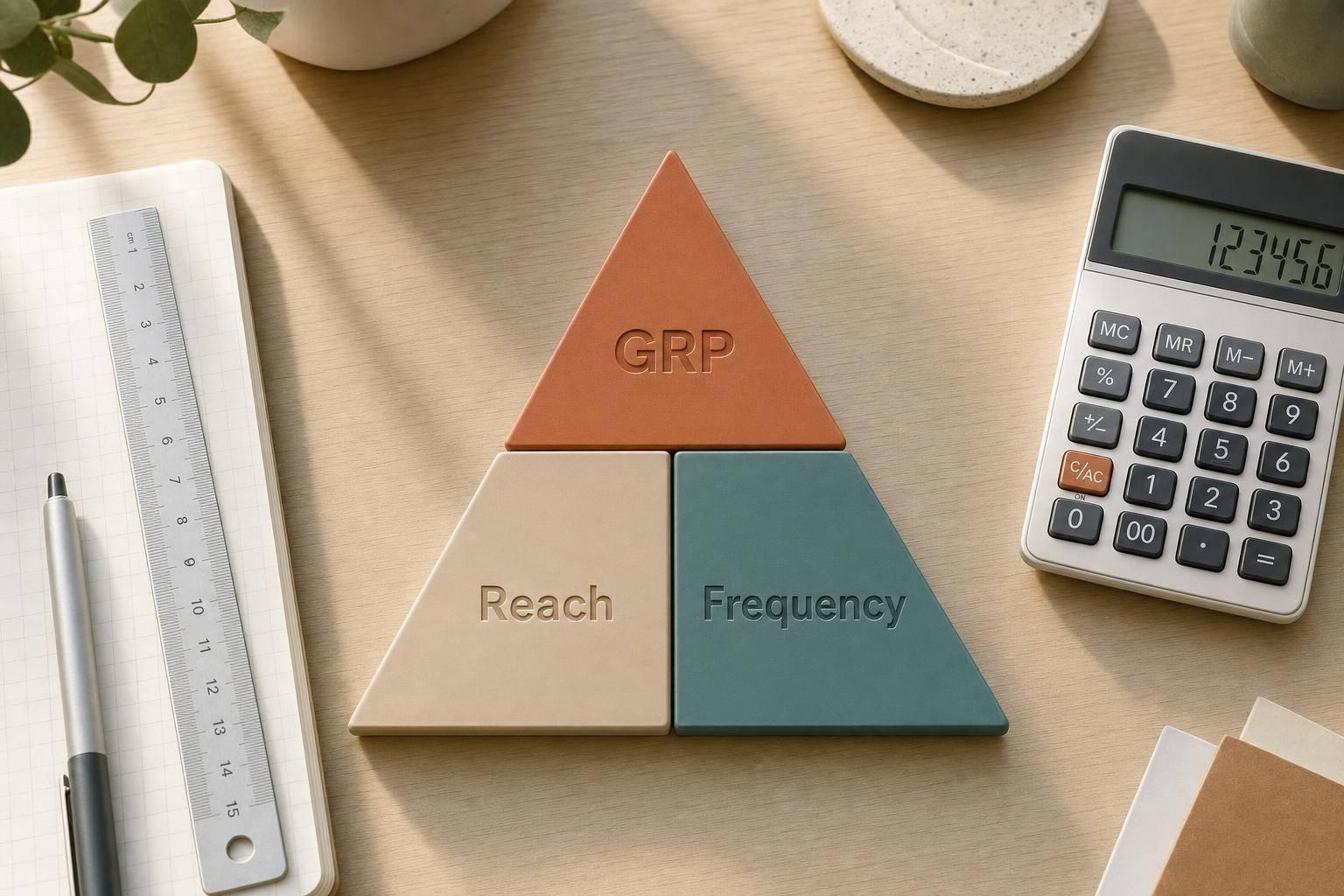
A GRP Calculator makes it easier to measure the total weight of an ad campaign without stopping to do manual math. In media planning, Gross Rating Points are found by multiplying reach by average frequency. That means you can use the same tool to calculate GRP, or work backward to find reach or frequency when one number is missing.
This kind of calculator is useful when you're estimating campaign delivery, reviewing a media plan, or sense-checking numbers before presenting them to a client or team. Enter any two values, and the tool returns the third with clear formatting and straightforward logic. Reach is treated as a percentage, results are rounded to two decimals, and the formula used is easy to follow.
Because the calculator also checks consistency when all three fields are filled, it's helpful for validating planning assumptions. If the numbers don't align, you'll know right away. Whether you're working on digital, TV, radio, or cross-channel planning, a reliable Gross Rating Points calculator saves time and reduces small errors that can throw off reporting. For anyone comparing reach and frequency scenarios, having a focused web tool like this keeps the process quick and practical.
GRP stands for Gross Rating Points. It's a common media planning metric used to show the total weight of an advertising campaign. The basic idea is simple: GRP equals reach multiplied by average frequency. So if a campaign reaches 40% of the audience with an average frequency of 3, the campaign delivers 120 GRPs.
Yes. The tool is built for reverse calculations too. If you already know GRP and average frequency, it can calculate reach. If you know GRP and reach, it can calculate average frequency. You only need to enter any two values, and the calculator will solve for the third using the standard formula.
If all three fields are filled in, the calculator checks whether the numbers follow the formula exactly. If they don't match, you'll see a note letting you know the values are inconsistent. That's helpful when you're reviewing campaign estimates, checking someone else's plan, or catching simple data entry mistakes before moving forward.
Need pricing details?
EnrouteViewMedia is a Canadian technology company based in Edmonton, Alberta, Canada. The company was founded by a group of media entrepreneurs and engineering executives. Our mission is developing leading-edge digital media display technologies for taxicab rooftops and taxicab interiors advertising market. Through our easy to use ad delivery and management system, we assist our clients in reaching their customers with targeted exposure. EnRouteViewMedia continuously strives to be the global leader in digital geo-time targeted advertising media systems for modern taxi fleets.