
Calculate CPM, ad cost, or impressions fast. Enter any two values and get the third with a clear formula breakdown and simple CPM explanation.
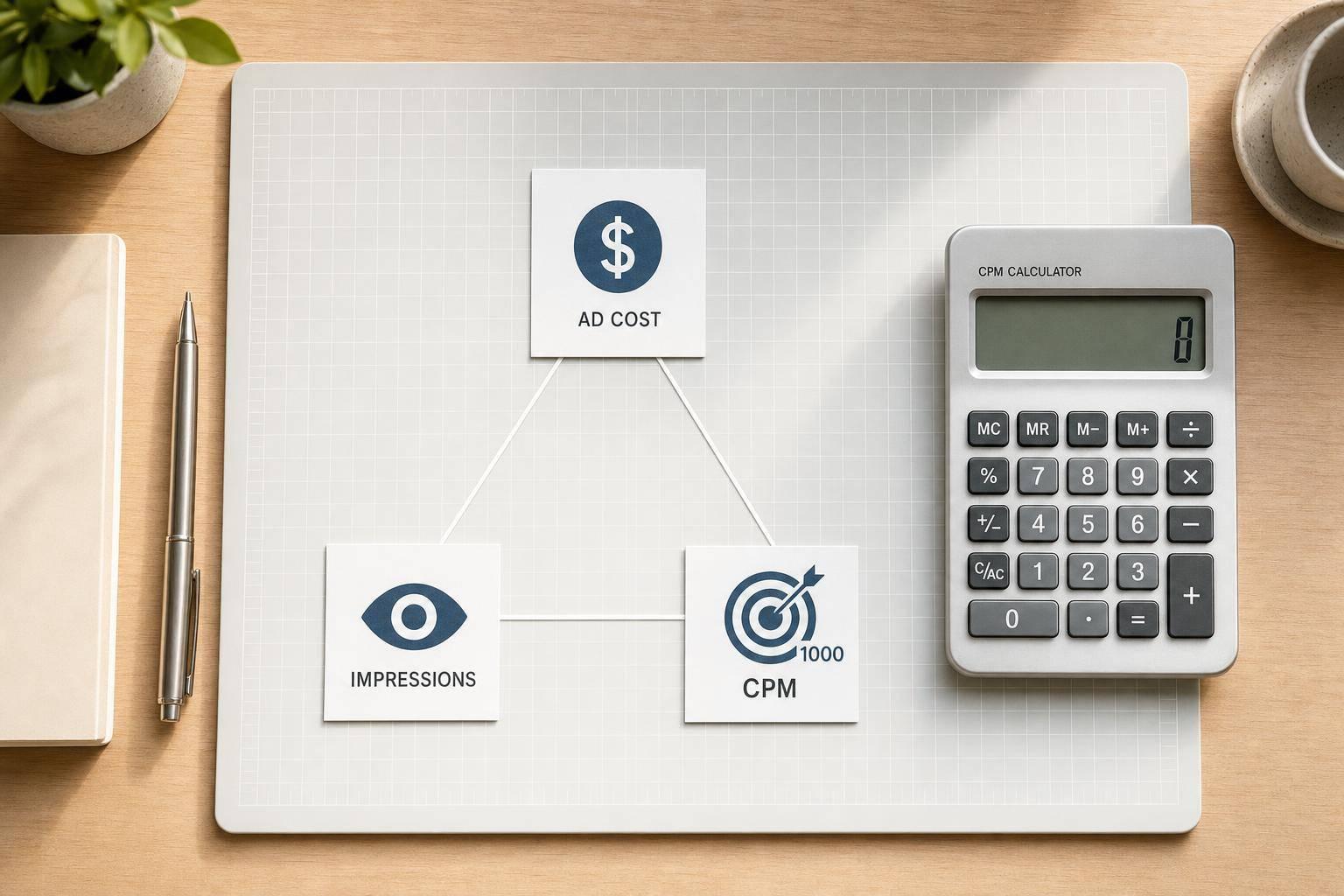
A CPM calculator helps advertisers, media buyers, and marketers quickly work out one of the most common campaign metrics in digital advertising. If you know your total spend and impressions, you can find your cost per thousand views in seconds. If you're planning a campaign instead, you can use the same tool to estimate budget needs or forecast impression volume based on a target rate.
This page is built for simple, practical calculation. Enter any two values — total cost, total impressions, or CPM — and the calculator automatically finds the third. That makes it handy for campaign planning, reporting checks, and quick media buying decisions when you don't want to do the math manually.
Because pricing accuracy matters, the tool also formats results clearly. Costs appear with two decimal places, impression counts are easier to read with comma separators, and CPM is rounded neatly for fast review. If all three fields are entered, the calculator can also check whether the values match and surface the correct result when they don't.
A good cost per mille calculator saves time and reduces errors. Whether you're reviewing ad performance or building a media plan, this CPM calculator gives you a clean, focused way to get the numbers you need.
CPM stands for cost per mille, with mille meaning one thousand. In advertising, it tells you how much you're paying for 1,000 impressions. It's one of the most common pricing and reporting metrics in display, video, and programmatic campaigns because it gives you a simple way to compare media costs across placements and channels.
Yes — that's exactly what it's built for. If you know any two of these three numbers — total cost, total impressions, or CPM — the calculator can find the missing one automatically. Just enter the two known values, leave the unknown field blank, and the tool will apply the correct formula for you.
If all three fields are filled in, the tool can check whether the numbers are mathematically consistent. If they don't line up, it should show the correct CPM based on the total cost and total impressions, since those two values directly determine the rate. That makes it useful for spotting data-entry mistakes or reporting mismatches.
Need pricing details?
EnrouteViewMedia is a Canadian technology company based in Edmonton, Alberta, Canada. The company was founded by a group of media entrepreneurs and engineering executives. Our mission is developing leading-edge digital media display technologies for taxicab rooftops and taxicab interiors advertising market. Through our easy to use ad delivery and management system, we assist our clients in reaching their customers with targeted exposure. EnRouteViewMedia continuously strives to be the global leader in digital geo-time targeted advertising media systems for modern taxi fleets.