
Calculate CPM, ad spend, or impressions in seconds. A simple CPM calculator for advertisers, marketers, and media buyers.
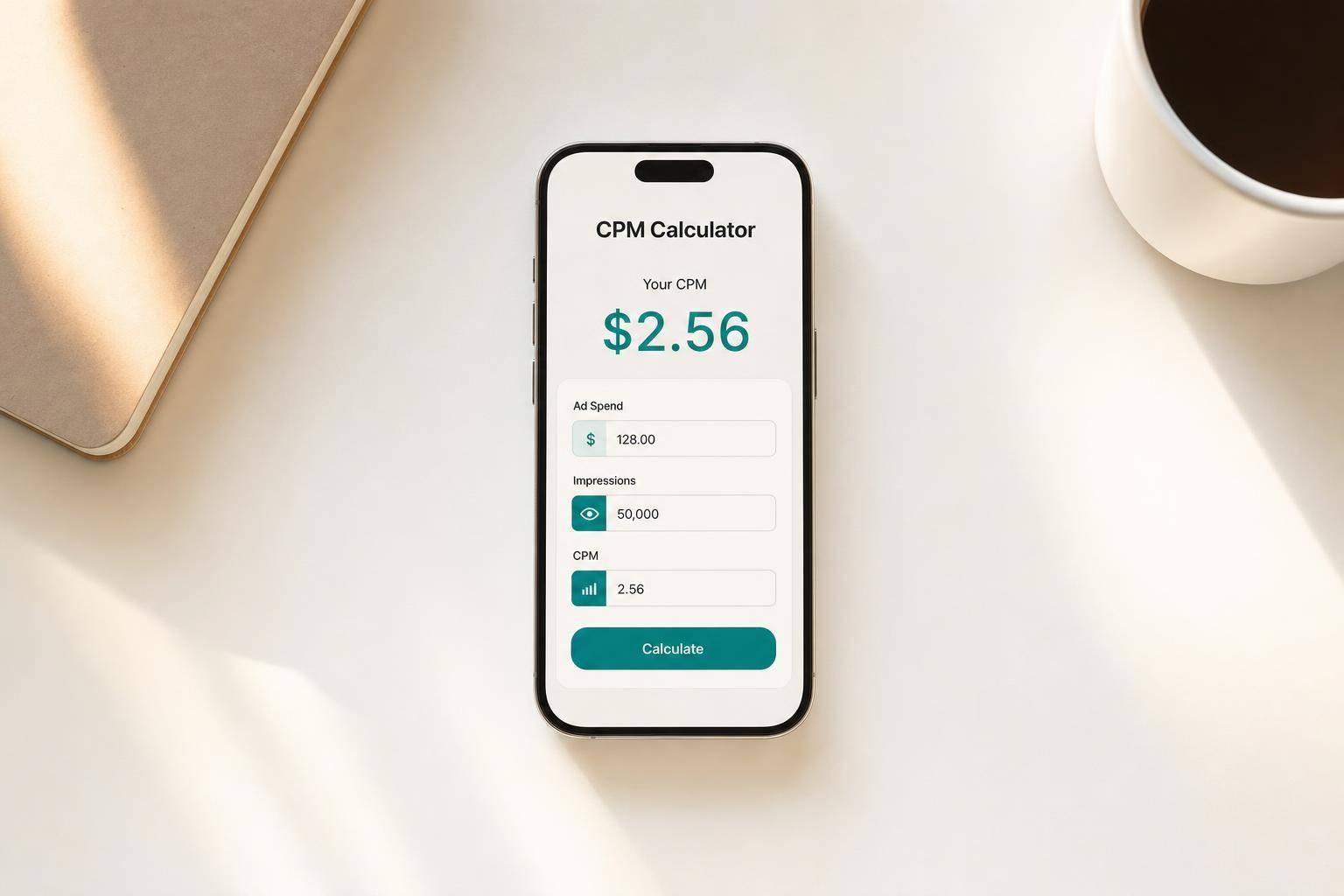
A CPM Calculator helps advertisers quickly figure out one of the most common metrics in media buying: cost per 1,000 impressions. If you're planning a display campaign, comparing publisher rates, or checking whether reported costs make sense, having a simple way to calculate CPM, total spend, or impressions can save time and reduce mistakes.
CPM pricing is widely used across digital advertising because it gives marketers a straightforward benchmark for reach-based campaigns. Instead of manually working through formulas, you can enter any two values and instantly calculate the third. That makes it easier to validate budgets, forecast delivery, and compare placements across channels.
This tool is useful for media buyers, performance marketers, agency teams, and anyone managing impression-based campaigns. It supports common use cases like finding your effective rate, estimating total campaign cost, or projecting how many impressions a budget can buy. The calculator also handles validation, rounds results clearly, and explains the output in plain language.
Whether you're reviewing a media plan or making a quick decision before launch, a reliable cost per mille calculator keeps your numbers clean and your workflow moving.
CPM stands for cost per mille, or the cost to buy 1,000 ad impressions. It's one of the most common pricing models in digital advertising because it gives marketers a simple way to compare inventory costs across channels, publishers, and campaigns. If your CPM is $8, that means you're paying $8 for every 1,000 impressions served.
Just enter any two values and leave the third one blank. For example, if you know your ad spend and total impressions, the tool will calculate CPM. If you know CPM and impressions, it will calculate total spend. And if you know spend and CPM, it will estimate impressions. To keep results accurate, use only valid positive numbers where required, and make sure you're filling in exactly two fields at a time.
The tool is designed to prevent misleading results. Negative numbers aren't allowed because ad spend, CPM, and impressions can't be negative in this context. Impressions must be greater than 0 when they're used in a division formula, and CPM must be greater than 0 when calculating impressions. If a field is empty, that's fine—as long as the other two fields contain valid values for the selected calculation.
Need pricing details?
EnrouteViewMedia is a Canadian technology company based in Edmonton, Alberta, Canada. The company was founded by a group of media entrepreneurs and engineering executives. Our mission is developing leading-edge digital media display technologies for taxicab rooftops and taxicab interiors advertising market. Through our easy to use ad delivery and management system, we assist our clients in reaching their customers with targeted exposure. EnRouteViewMedia continuously strives to be the global leader in digital geo-time targeted advertising media systems for modern taxi fleets.