
Estimate campaign spend, impressions, clicks, conversions, revenue, ROAS, and ROI with a simple advertising budget calculator.
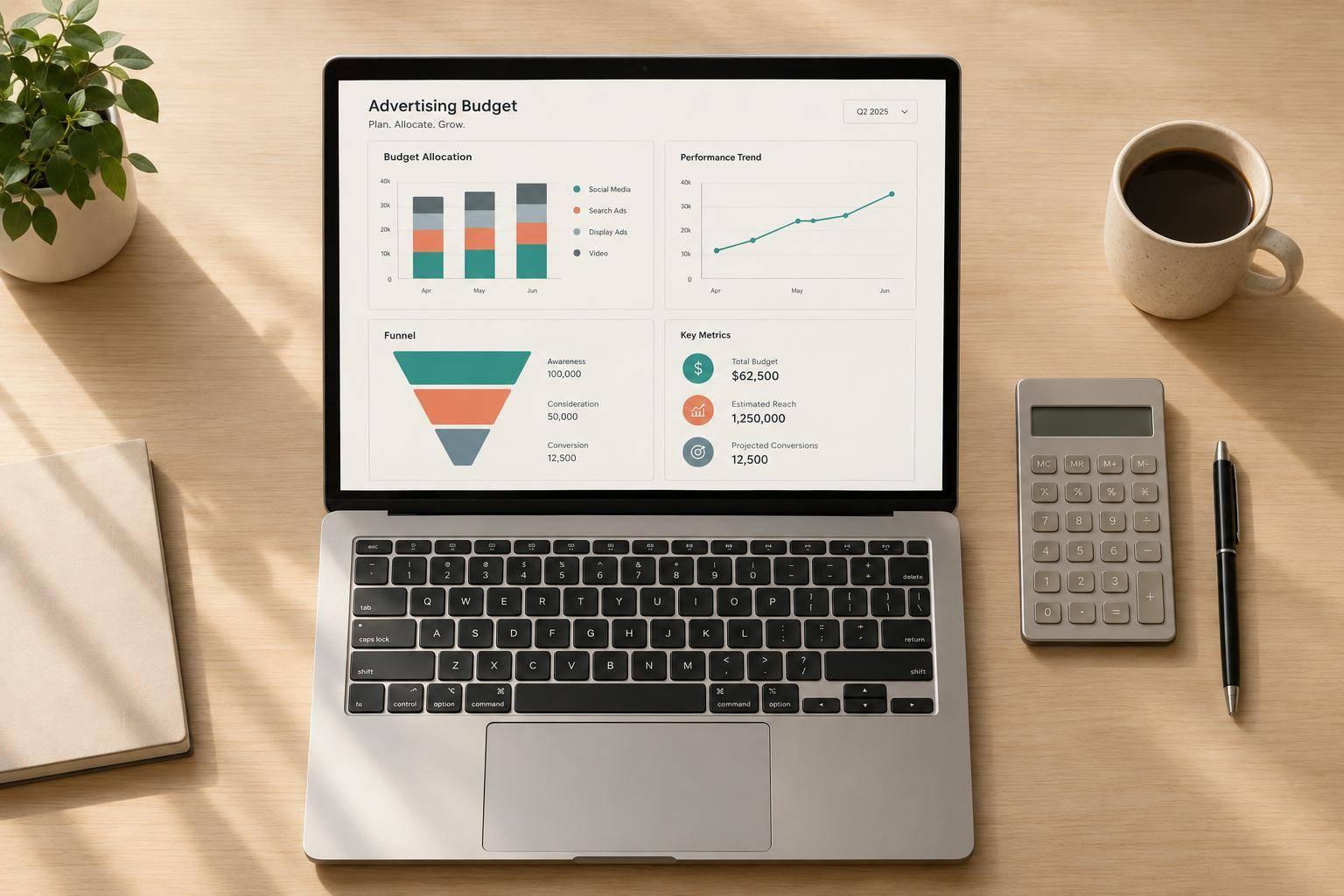
A strong media plan starts with clear math. This Advertising Budget Calculator helps marketers estimate what a campaign budget could realistically produce before launch. Instead of guessing, you can map spend to impressions, clicks, conversions, revenue, and return metrics in one place.
Whether you're buying on CPM, CPC, or CPA, this tool makes it easier to understand how each pricing model affects performance. Add expected click-through rate, conversion rate, and average order value to build a more complete forecast. If you're working with incomplete inputs, the mixed estimate option helps connect the dots and derive supporting metrics where possible.
A good advertising budget calculator should do more than divide spend by rate. This one also shows estimated CPA, ROAS, ROI, and daily budget when campaign length is included. That makes it useful for media buyers, paid search managers, ecommerce teams, and anyone responsible for forecasting returns.
Use this campaign budget planning tool to compare scenarios, test assumptions, and communicate expected outcomes clearly. When budget conversations get specific, better decisions usually follow.
They each start from a different buying model. CPM estimates results from cost per thousand impressions, so the tool begins with impressions and can then work toward clicks and conversions if CTR and conversion rate are provided. CPC starts from cost per click, which means clicks are calculated directly from budget and then expanded into impressions or conversions when supporting rates are available. CPA starts from cost per acquisition, so conversions come first, and the calculator can derive clicks and impressions if conversion rate and CTR are entered.
The mixed estimate mode is designed for planners who have partial campaign data rather than a single pricing model. You can enter any two of the key metrics like CPM, CTR, CPC, conversion rate, or CPA, and the tool derives related values where the math supports it. Direct spend-based calculations are prioritized first, and anything inferred from your inputs should be treated as an estimate rather than a guaranteed outcome.
No, they’re planning estimates based on the assumptions you enter. If your average order value, click-through rate, or conversion rate changes in the real campaign, your final revenue and return metrics will change too. That said, this is still a useful way to pressure-test budget scenarios, compare channels, and decide whether a target ROAS or ROI looks realistic before money is spent.
Need pricing details?
EnrouteViewMedia is a Canadian technology company based in Edmonton, Alberta, Canada. The company was founded by a group of media entrepreneurs and engineering executives. Our mission is developing leading-edge digital media display technologies for taxicab rooftops and taxicab interiors advertising market. Through our easy to use ad delivery and management system, we assist our clients in reaching their customers with targeted exposure. EnRouteViewMedia continuously strives to be the global leader in digital geo-time targeted advertising media systems for modern taxi fleets.