
Calculate ROAS, revenue, or ad spend in seconds. A simple calculator for marketers who want quick, accurate ad performance insights.
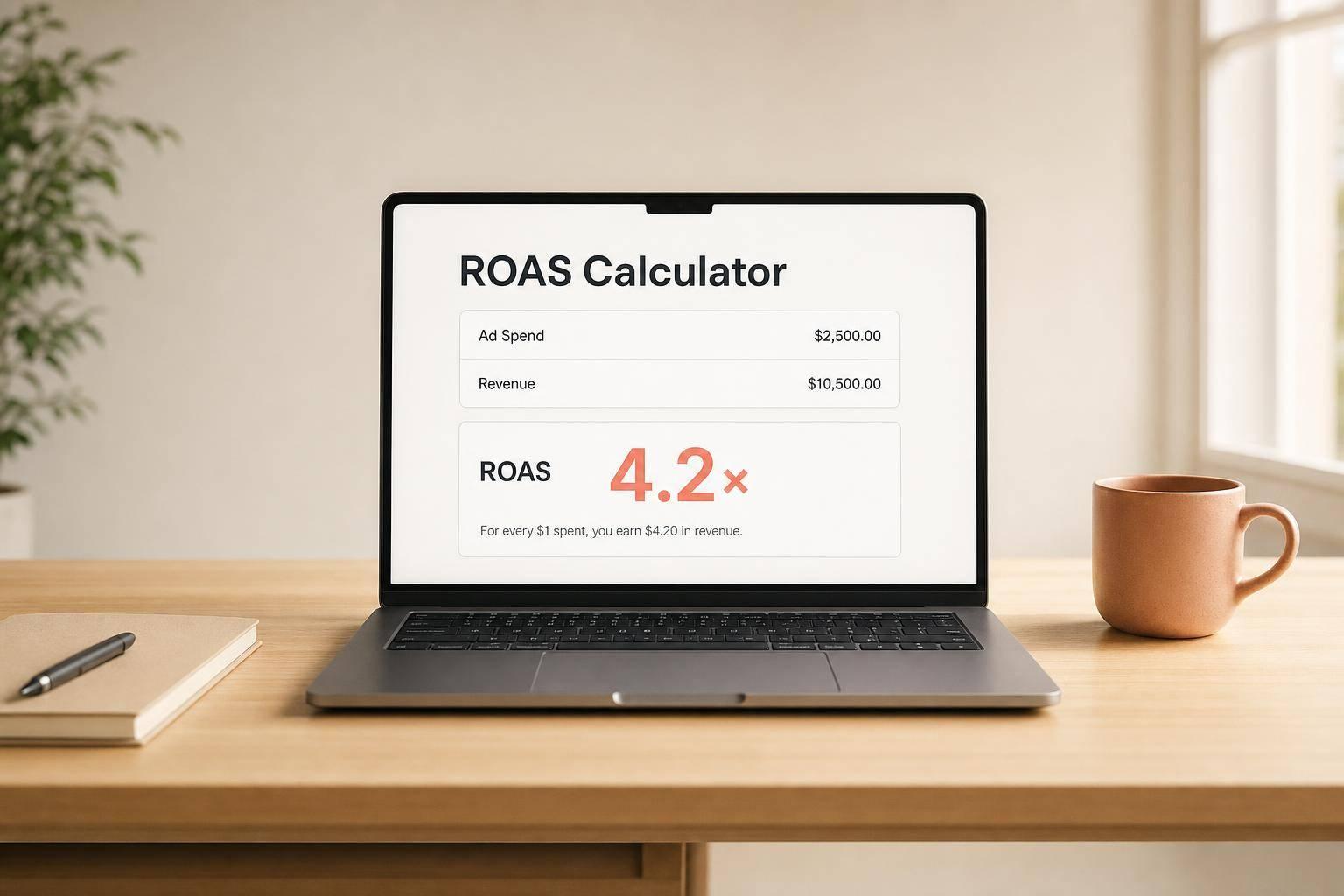
A ROAS Calculator helps marketers quickly see whether advertising spend is producing meaningful revenue. Instead of manually working through formulas, you can enter any two values—revenue, ad spend, or return on ad spend—and get the missing number instantly. That makes it useful for campaign reviews, budget planning, and forecasting before you increase spend.
Return on ad spend is one of the clearest ways to evaluate paid media efficiency. If your ratio is 4.20x, you’re generating $4.20 in revenue for every $1 spent on ads. That kind of visibility helps you compare channels, spot underperforming campaigns, and make faster decisions with your budget.
This tool is designed for real-world use. It accepts decimal values, rounds results cleanly, and shows ROAS as both a ratio and percentage equivalent when needed. It also blocks invalid entries, such as negative numbers or zero values where they would break the calculation. Whether you need a quick ROAS Calculator for reporting or want to estimate required revenue from a target ratio, this calculator keeps the math simple and the insights easy to act on.
ROAS stands for return on ad spend. It shows how much revenue you earn for each dollar spent on advertising. For example, a ROAS of 4.20x means you generate $4.20 in revenue for every $1.00 spent on ads. It’s a quick way to judge whether a campaign is pulling its weight.
You only need two of the three values: revenue, ad spend, or ROAS. The calculator uses those two numbers to solve for the third. This makes it useful whether you’re reviewing past campaign results or planning future targets for spend and revenue.
The tool is designed to prevent misleading results. You must enter exactly two valid inputs, and negative numbers aren’t allowed. If you’re calculating ROAS, ad spend must be greater than 0. If you’re calculating ad spend from revenue and ROAS, the ROAS value must also be greater than 0. These checks help keep the output accurate and practical.
Need pricing details?
EnrouteViewMedia is a Canadian technology company based in Edmonton, Alberta, Canada. The company was founded by a group of media entrepreneurs and engineering executives. Our mission is developing leading-edge digital media display technologies for taxicab rooftops and taxicab interiors advertising market. Through our easy to use ad delivery and management system, we assist our clients in reaching their customers with targeted exposure. EnRouteViewMedia continuously strives to be the global leader in digital geo-time targeted advertising media systems for modern taxi fleets.